
The Storefront Optimizer provides real-time, browser-level script management for your live Shopify storefront. It optimizes how external third-party apps load and execute in shoppers' browsers without modifying your theme files.
How does the Storefront Optimizer improve Interaction to Next Paint (INP)? #
The Storefront Optimizer automatically delays non-critical third-party tracking scripts, chat widgets, and review apps until after the primary hero content has rendered and the shopper has established their initial interaction. By preventing multiple heavy scripts from running simultaneously during initial load, the browser's main thread remains responsive, ensuring clicks, menu opens, and cart additions respond instantly.
Why Script Deferral is Essential for INP #
Most Shopify stores have between 10 and 30 third-party apps installed (e.g., Klaviyo, Judge.me, Yotpo, Hotjar, TikTok Pixel, Gorgias).
When a customer loads your store:
- All these app scripts attempt to download and execute simultaneously.
- The browser's main JavaScript thread becomes completely locked (known as Total Blocking Time).
- If a customer tries to tap the navigation menu, search bar, or "Add to Cart" button while the thread is locked, the browser freezes, resulting in a poor Interaction to Next Paint (INP) score.
The Storefront Optimizer intercepts these non-critical scripts and defers their execution until the browser has finished painting the primary page and the shopper has established their initial interaction.
Key Features & Controls #
1. Global Optimizer Toggle #
- Status: Active / Paused: Easily toggle the runtime optimizer on or off across your entire store with a single click in the TurboLoad admin (
/app/optimizer). - If paused, scripts load in their standard default browser behavior.
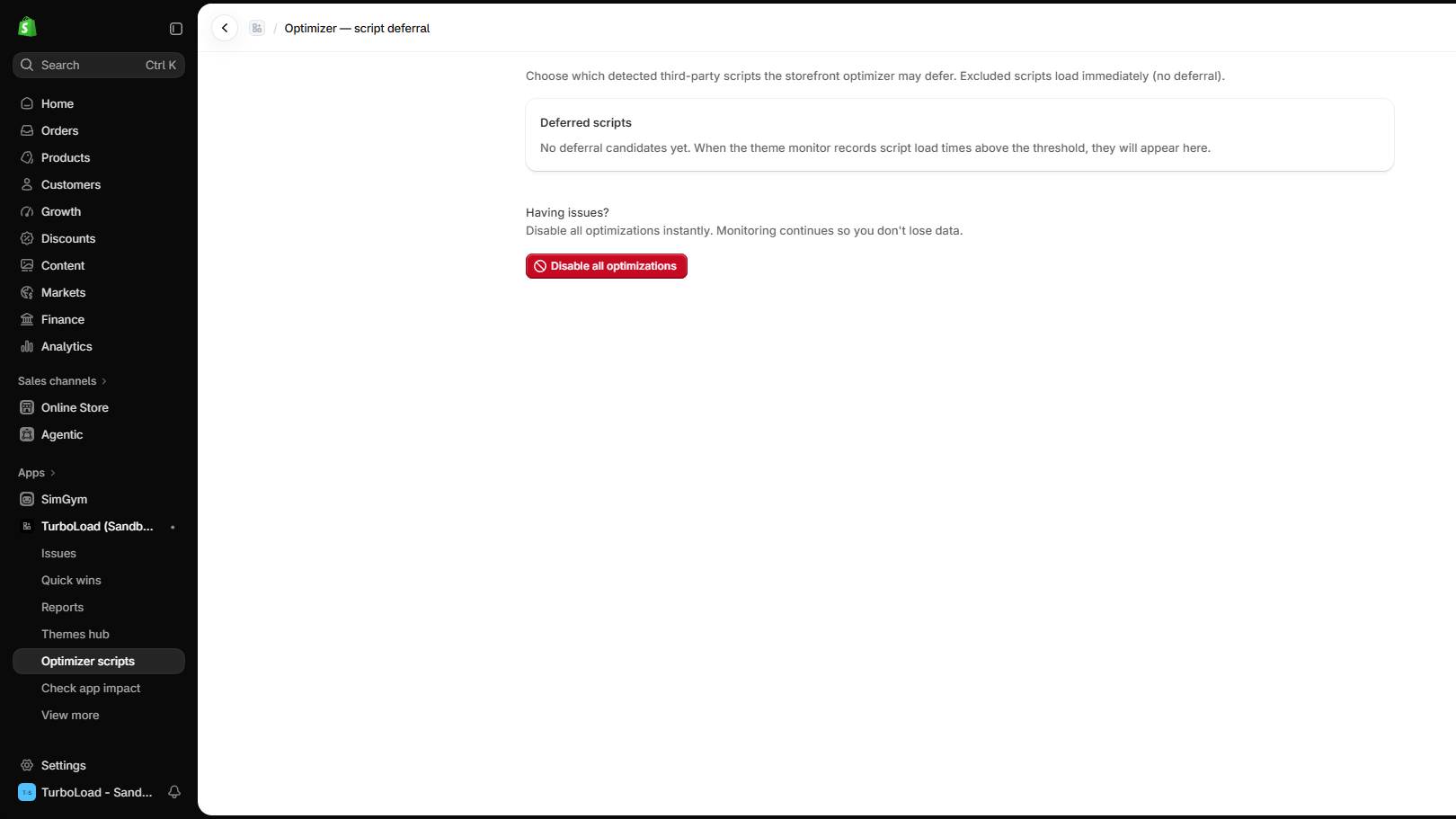
2. Script Exclusions Table #
Certain scripts are mission-critical and should never be delayed (such as cookie consent banners or currency converters).
- The Exclusions Table allows you to add specific script domains or keywords (e.g.,
consent-banner.js,currency-switcher). - Any script matching your exclusion rules will bypass deferral and execute immediately.
3. Smart Resource Hints #
Automatically injects early browser hints:
dns-prefetch: Resolves third-party DNS records in the background.preconnect: Initiates TLS handshakes early for high-priority domains like Google Fonts and Shopify CDN.
How to Test: The Safe Bypass Query #
Want to test your store with and without TurboLoad's optimizer running to verify functionality or compare speeds?
Simply append the Bypass Query Parameter to any storefront URL:
https://your-store.com/?__turbo_bypass=1When this parameter is detected:
- The TurboLoad Optimizer embed completely deactivates itself for that specific browser session.
- You can compare network waterfall charts in Chrome DevTools to confirm the exact before-and-after performance improvements.